Ableton Live for Worship: A Beginner's Guide to Running Tracks
Why so many churches run Ableton for worship, how Session View works, the three tracks every set needs, routing so the room never hears the click, and how to play it live without fear.
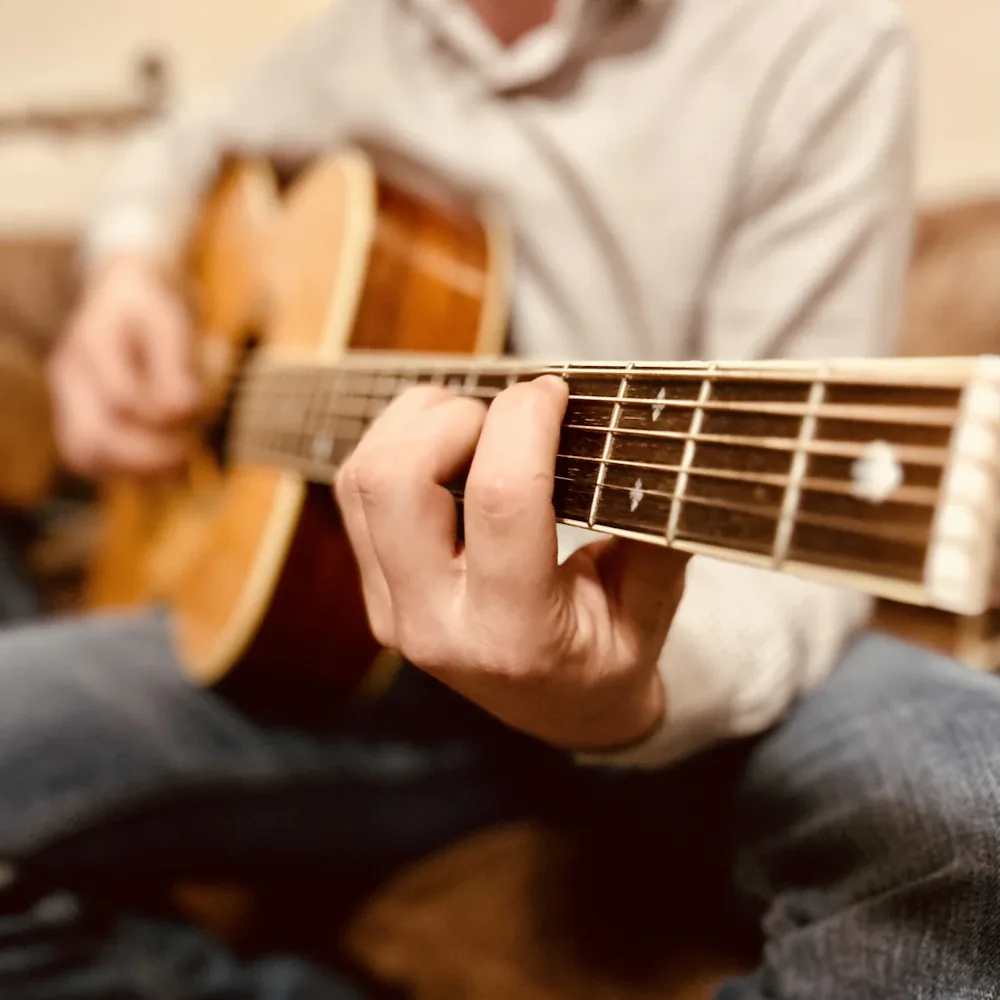
Your team is 3 people this Sunday. A guitar, a single vocalist, and whoever showed up to play a little piano. The songs you love are built for a full band with synths, loops, and a wall of sound, and what you can put on the platform feels thin next to the recording everyone knows by heart. It is a familiar ache for any leader trying to serve a big worship moment with a small roster.
This is the exact problem Ableton Live solves for a growing number of churches. Run a click and a few well-chosen tracks underneath your live players, and a small team fills the room without pretending to be something it is not. The laptop looks intimidating from the outside. The core workflow is simpler than it appears, and this guide walks you through it from the ground up.
What running tracks actually does for a small team
Backing tracks are prerecorded parts that play alongside your live band. Think of the synth pad that holds a song together, the subtle drum loop under an intro, or the string line no one on your team can cover. You run those from a laptop while your people play and sing over the top.
The payoff shows up fast. A 2-person team suddenly has a full arrangement behind them. Everyone locks to the same tempo through a shared click. Your Sundays start to sound like the records your congregation already sings in the car, without you needing to hire 5 more musicians. For a small church especially, this is one of the highest-leverage tools you can learn.
You do have simpler options than Ableton. Apps like MultiTracks Playback and Loop Community Prime are built to press play on prebuilt stems and run happily on an iPad. Ableton earns its place when you want to build and shape your own material, and that is where the rest of this guide points.
Session View is where you will live
Ableton has two main workspaces, and for tracks the one that matters is Session View. Picture a grid. Each vertical column is a track, and each horizontal row is a scene. For worship, the simplest and most reliable setup is one scene per song.
- One scene per song, in service order. Your opener is the top row, the next tune is the row below it, and so on down your set. To start a song, you launch its scene.
- Name every scene. Put the title and key right on the row, so at a glance you know what fires next and never launch the wrong one mid-service.
- Keep it in order. When your running order matches your scenes top to bottom, the person on the laptop is just moving down the grid, which is far harder to get wrong under pressure.
Arrangement View, the linear timeline, is where you build and edit a song before you drop it into the grid. You can live in Session View on Sunday and only visit Arrangement View during the week when you are constructing a track from scratch.
Build the three tracks every set needs
Almost every worship session comes down to three ingredients. Just three. Get these right and you have a working rig.
- The click. This is the metronome your band hears in their ears to stay locked and tight. The congregation never hears it. Set the tempo of each scene to match the song, whether that is 72 BPM for a slow ballad or 128 for a driving anthem, and everyone plays to the same pulse.
- The guide, or cue track. A quiet voice, often just the music director, that counts the band in and calls what is coming. A simple "big chorus, 4, 3, 2, 1" keeps 8 people arriving at the same moment together.
- The stems. These are the actual musical parts you want to add, like pads, synths, loops, or strings, usually mixed down to a stereo pair that goes to the main sound system.
Tracks should fill the gaps your team cannot cover, then get out of the way so real people carry the room.
Start with just a click and a pad if the full stack feels like too much at once. A pad alone, played under a live band locked to a click, already transforms how a small team sounds.
Route it so the congregation never hears the click
This is the part that trips up beginners, and it is worth slowing down for. The click and the guide must reach your musicians' ears only. The music must reach the main system only. Mixing those two up is the classic rookie moment where the whole room suddenly hears a robotic beep under a tender song.
The fix is separate outputs on your audio interface. Keep the two paths apart. Send the click and the guide out one path into the band's in-ear monitors. Send the stems out a different path into the front-of-house console. Because they travel on different wires, the metronome stays a private tool for the platform and never leaks to the seats. If you are still setting up in-ears, our click and in-ear monitor guide covers the monitoring side in full.
Use pads and follow actions to cover the seams
The magic of a smooth set often lives between the songs. A held pad in the right key can cover the gap while a leader prays or talks, so the room never drops to dead silence and resets.
- Loop a pad between songs. Set a pad clip to loop and let it hold under the spoken moments. When the next song starts, the transition feels smooth instead of stop-and-start.
- Match the pad to the next key. A pad in the key you are heading into pulls the room forward and makes the downbeat of the next tune feel inevitable.
- Let follow actions help. Ableton can automatically move from one clip or scene to the next after it finishes. Used lightly, this takes pressure off the operator during a busy moment.
Ableton can also send MIDI cues to trigger lighting scenes or advance other systems, though that is a next-step skill once your audio is solid. Walk before you run.
Play it live without fear
Technology on a platform fails eventually, so plan for it before it happens rather than after. A calm backup plan is what lets you actually relax and lead.
- Give it to one person. One steady volunteer running the laptop, watching the set, and launching each scene beats asking a busy musician to do it with their spare hand.
- Rehearse with the tracks every time. Practice to the click and cues so your team learns to trust the count and lock in. A midweek run with the full rig means no surprises on Sunday.
- Know your fallback. If the laptop freezes, your band should be able to keep playing the song live and finish strong. A team that can drop the tracks and carry on is a team that never panics.
Learning to run tracks well is a craft, and like any craft it rewards a good teacher and a little practice. If you want to go from a blank grid to a confident Sunday, the Ableton course in the Academy builds your first session with you, step by step. You can also see how it connects to the visual side in our guide to making worship lyric videos. Build the rig once, learn it well, and your small team will sound like a much bigger one while still leading from the heart.
Common questions
Do we need Ableton, or is a simpler app enough?
What gear do we need to run tracks?
Won't running tracks make worship feel fake?
Build your first Ableton set with a coach
The Academy walks you from a blank session to a click, guide, and stems that fire cleanly on Sunday, so a small team can sound full without losing what makes it human.