Click Tracks and In-Ear Monitors: A Church's Getting-Started Guide
Why click and in-ears change everything for a worship band, budget setups from a couple hundred dollars to pro rigs, routing so the room never hears the click, and building a mix for every musician.
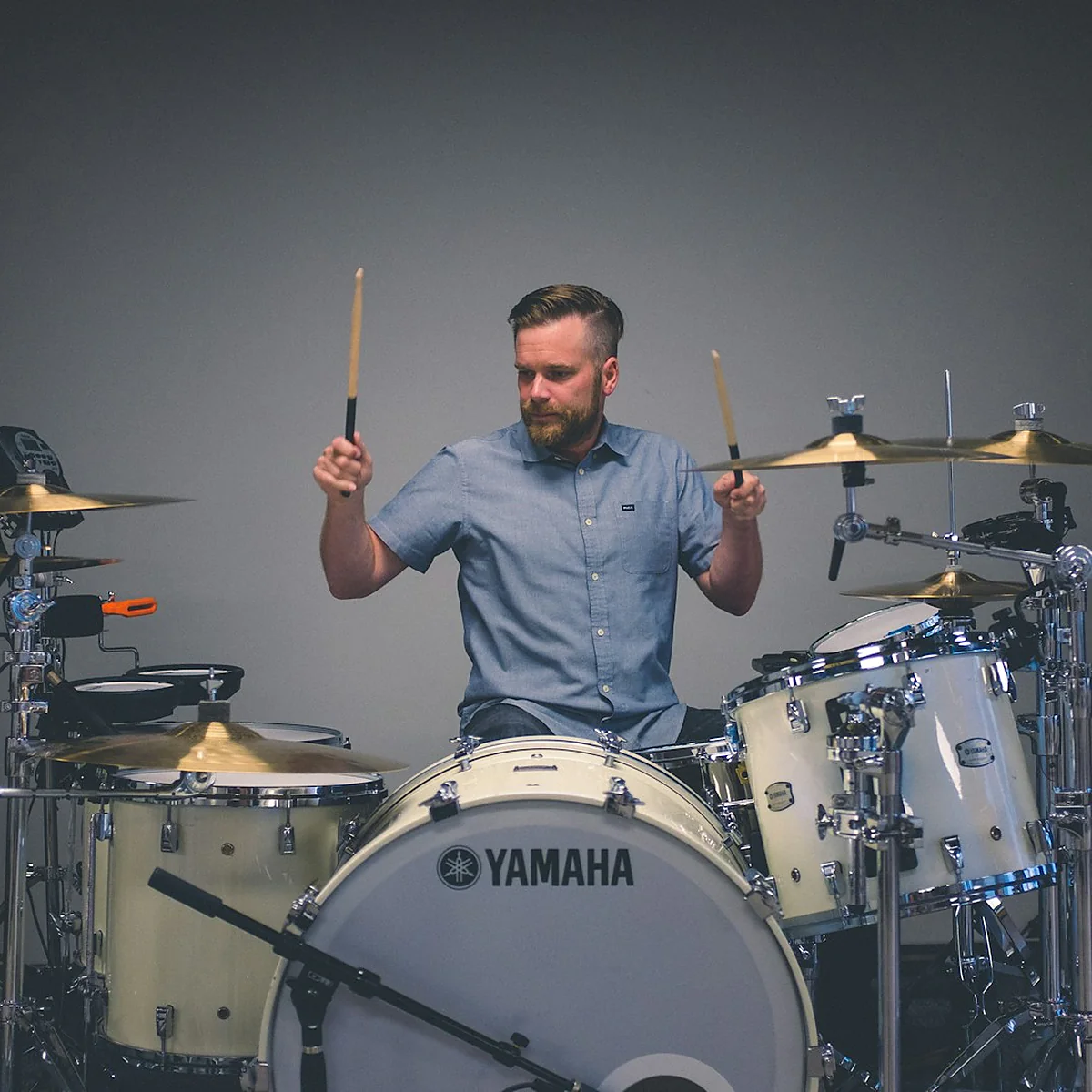
The drummer is dragging, the acoustic is rushing, and neither can tell because the wedge monitors are a wall of mud. Your keys player keeps asking for "more me," the stage is loud enough to drown out the room, and every week feels like a fresh argument about who can hear what. This is stage-monitor life for a lot of worship teams, and it wears everyone down.
Click tracks and in-ear monitors fix the root of the problem. The band locks to a shared pulse, the stage goes quiet, and each musician finally hears a clean mix instead of a roar. It sounds like a big, expensive leap. You can actually start for a few hundred dollars and grow from there, and this guide shows you how.
What click and in-ears actually change
A click track is a metronome the band hears privately in their ears, keeping everyone on the same tempo. In-ear monitors, or IEMs, are the earphones that replace the floor wedges, so each player hears a personal mix piped straight to their ears.
Put them together and four things improve at once.
- The band gets tight. A shared click ends the slow drift where the song speeds up over three verses. Everyone locks to the same beat.
- The stage gets quiet. With no wedges blasting, the sound coming off the platform drops dramatically, which makes the front-of-house mix cleaner and the room clearer.
- Everyone hears well. A personal mix beats a shared wedge that pleased no one. The drummer gets more kick, the vocalist gets more voice.
- You can run tracks. Click and in-ears are what let you add backing tracks at all, since the band needs a private way to hear the count. Our Ableton guide covers that side once your monitoring is sorted.
Start simple with an entry-level setup
You do not need a pro rig to begin. A basic in-ear setup that gets your whole team off wedges can come together for a few hundred dollars.
- A click source. A phone or tablet running a metronome app, or a laptop running your session, generates the click. This part can cost nothing if you already own the device.
- A small mixer or headphone amp. Something that takes the band's audio plus the click and sends it out to headphones. A simple aux-fed setup gives everyone one shared mix to start.
- Wired in-ears. Universal-fit earphones, like the widely used Shure SE215 at around $100 a pair, block outside noise and sound far better than earbuds. Buy one solid pair per musician.
This first stage means one shared mix for the whole band, which is a compromise. It is also a night-and-day improvement over dueling floor wedges, and it gets everyone used to playing in-ears before you spend more.
Step up to personal mixes for everyone
Once the team is comfortable, the next upgrade is giving each musician control of their own mix. This is where in-ears really shine, because the drummer and the vocalist want completely different things in their ears.
Personal monitor mixers make this possible. Systems such as the Behringer Powerplay P16 or the Aviom A360 give every player a small box with knobs to build their own blend, turning up their own instrument and the click while dialing back whatever they do not need. A full personal-mixer system often runs $1,000 or more depending on how many musicians you cover, so many churches add stations a few at a time.
Great monitoring is not about volume. It is about every person on the platform hearing exactly what they need to play their best.
Two upgrades tend to come next, and neither is urgent. The first is going wireless, which frees a vocalist or a roaming leader from the cable but adds real cost per person. The second is custom-molded earphones, made from an impression of the player's own ears, which seal better and sound cleaner than universal tips for the people who use them most. Both are nice-to-haves once the foundation is solid, so treat them as rewards for a team that has already learned to play in-ears well.
At the top end, a digital mixing console with per-musician monitor sends plus wireless in-ear systems removes the last cables and gives the most flexibility. That is a worthy goal, not a starting point. Grow into it.
Route the click so the room never hears it
The one rule you cannot break is simple. The click stays in the band's ears and never reaches the congregation. A metronome beeping under a worship song through the main speakers is the fastest way to break a moment.
Keep the click on its own channel or bus that feeds only the in-ear mixes, never the front-of-house send. On a digital console, that means putting the click on a monitor path and leaving it out of the main output entirely. Test it before anyone arrives. Have someone stand in the seats while the click runs and confirm the room is silent. Do this check every time you change the console or add a new song, because a click that leaks into the house even once will train your congregation to brace for it.
Build a good mix for every musician
Handing someone in-ears with a bad mix is worse than a wedge, because now the mud is sealed inside their head. A few starting points make personal mixes come together fast.
- Start with the click and their own instrument. Every player needs to hear the beat and themselves clearly first. Build out from there.
- Add the rhythmic anchors. Kick, snare, and bass help everyone lock in, so bring those up next in most mixes.
- Add just enough of everything else. A little of the leader's vocal and the main instruments gives context without clutter. Resist the urge to cram everything up loud.
- Solve "more me" at the source. When someone cannot hear themselves, the answer is usually to turn everything else down, not to crank their own channel until it distorts.
Protect your team's ears
In-ears do more than sound good. Used right, they protect the hearing of the people who serve you week after week, and that is a stewardship worth taking seriously. Sealed earphones block outside noise, which means musicians can run them at a lower, safer volume instead of fighting a loud stage.
The danger comes from cranking the level to overcome a bad mix. According to the CDC, repeated exposure to loud sound damages hearing over time, and once it is gone it does not come back. Keep in-ear levels moderate, encourage both earphones in rather than one out, and build mixes clean enough that no one needs to blast them. Caring for your musicians' ears is part of caring for your musicians.
Moving a team to click and in-ears is one of the biggest upgrades a worship ministry can make, and doing it well takes more than a shopping list. If you want a guide through the gear, the routing, and the mixes, the tech track in the Academy walks your team through the whole process. It also pairs naturally with tightening up how you run rehearsals, since a locked-in team practices differently than a loose one. Start simple, grow as you can, and give your people a stage they can actually hear.
Common questions
Do wired in-ears work, or do we need wireless?
How much does a starting click and in-ear setup cost?
My drummer hates the click. How do I get the team to buy in?
Get your click and in-ears dialed in
The Academy tech track walks your team from wedge monitors and guesswork to a tight, quiet stage where everyone hears exactly what they need.